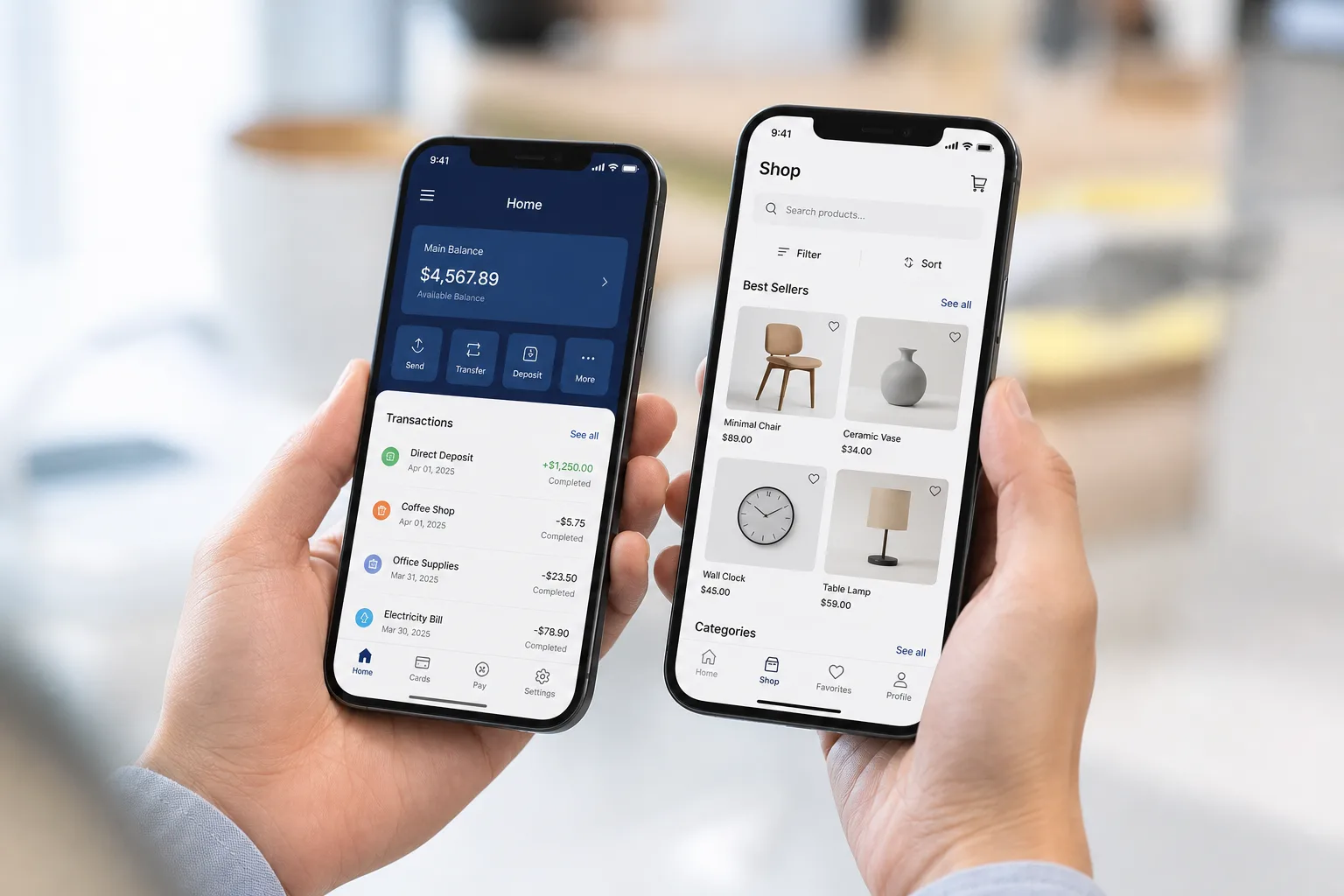

Every second business owner in South Africa is asking the same thing lately. Should we build an iPhone app or not? And honestly, the answer is not as simple as yes or no.
Mobile shopping is growing fast. iPhone users tend to spend more, click more, and stay loyal to brands that treat them well. So if you are running a shop, a clinic, a logistics company, anything really, this question matters.
This guide walks through everything. What an iOS app actually is, what features it needs, how it gets built, and yes, the part everyone actually scrolls down to first, the cost.
We will keep this simple. No jargon, no fluff. Just what you need to know before spending your money on iOS app development.
- Apple’s App Store held 61% of mobile application market revenue share in 2025.
- Core iOS features include authentication, push notifications, payments, biometrics, GPS, and offline mode.
- Typical native iOS builds in South Africa range from ZAR 50,000 to ZAR 1,500,000+.
- Swift, SwiftUI, and Xcode remain the standard native stack for iPhone and iPad apps.
- MVP first, proper testing, POPIA, and local payments (PayFast, Ozow, Yoco) avoid expensive rework.

What Is an iOS App and Why Are South African Businesses Investing In It?
An iOS app is a native application built for iPhone and iPad using Apple tools like Swift and Xcode. It runs directly on Apple devices, not through a browser.
Apple’s App Store held 61% of mobile application market revenue share in 2025, according to Grand View Research. This shows the strong business value of building iOS apps for premium users.
The growth of mobile app development in South Africa is also changing how local businesses connect with customers.
From retail and healthcare to logistics and financial services, companies are using apps to offer faster and more convenient experiences.
- iPhone users usually spend more per purchase than average shoppers
- Apps load faster and feel smoother than mobile websites
- Push notifications keep customers coming back without extra ad spend
- Apple Pay and Face ID make checkout painless
- The Apple ecosystem — iPhone, iPad, and Apple Watch — gives one brand touchpoints everywhere
Small retail businesses double their repeat customers just by adding a simple loyalty feature inside their app. It is not magic. It is just convenient, done right.
Which Features Make an iOS Application Successful in 2026?
Before jumping into fancy AI features, every solid iOS app needs a foundation. These are the basics that make an app usable, safe, and worth opening twice.
| Feature | What It Does |
|---|---|
| User Authentication | Lets users log in safely using email, phone number, or Face ID |
| Push Notifications | Sends timely updates about orders, offers, or reminders |
| Payment Gateway Integration | Connects Apple Pay and local options for smooth checkout |
| Biometric Login | Face ID and fingerprint login for quick, secure access |
| GPS Integration | Tracks location for delivery apps, store finders, and logistics |
| Cloud Synchronization | Keeps user data updated across every Apple device |
| Analytics Dashboard | Shows business owners how users behave inside the app |
| Offline Mode | Allows basic functions to keep working without internet |
These features are not optional extras anymore. Users expect them. Skip even two or three, and your app will feel outdated on day one.
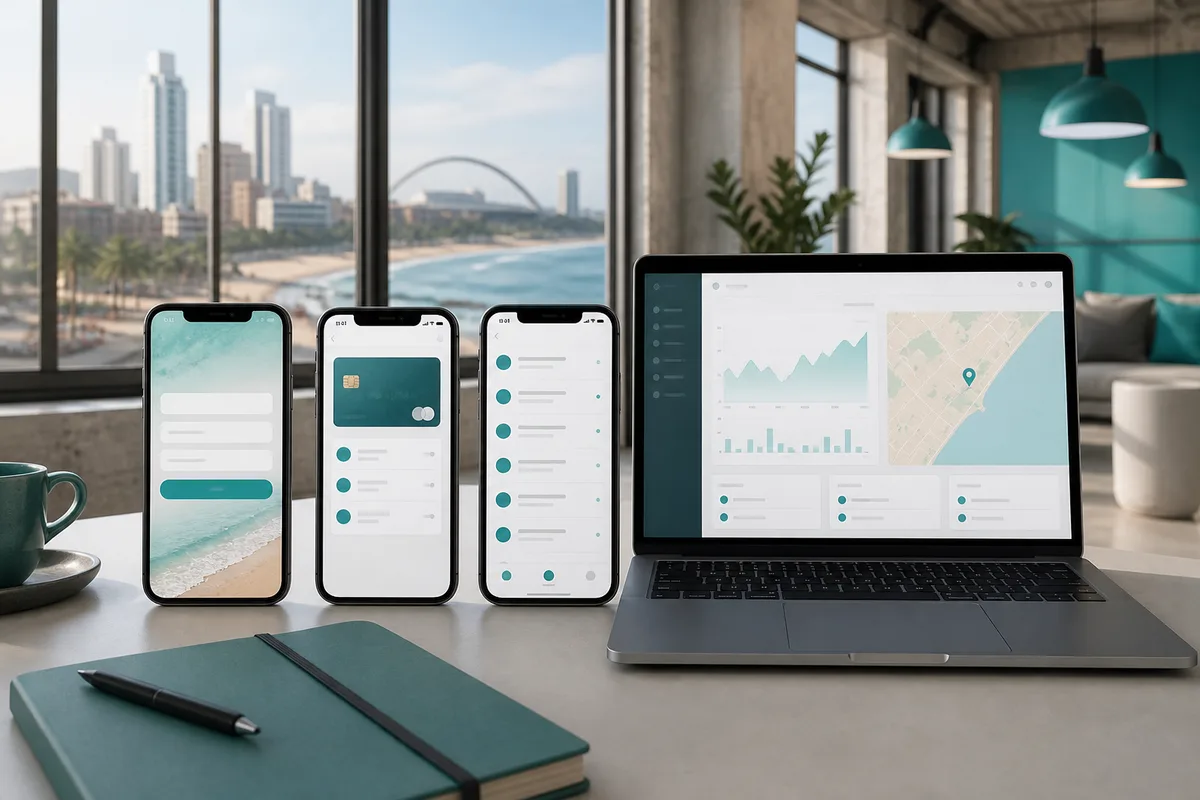
What Advanced Technologies Are Shaping Modern iOS App Development?
Once the basics are in place, the real competitive edge comes from advanced technology. This is where iOS app development starts separating average apps from the ones people actually talk about.
AI Powered Features
Artificial intelligence inside an app is not a buzzword anymore, it is expected. Think recommendation engines that learn what a customer likes over time.
Chatbots that answer basic questions at two in the morning when your support team is asleep.
Personalization that changes what a user sees based on their past behavior.
Apple's own Core ML framework and tools like Siri integration make this possible without needing a massive AI team.
Even small businesses are now using predictive analytics to guess what a customer wants before they search for it.
AR Features
Augmented reality lets customers see products before buying them.
A furniture store can show how a couch looks in someone's living room. A beauty brand can let users try on shades virtually.
Apple's ARKit and RealityKit tools make this kind of immersive shopping experience surprisingly achievable, even for mid sized businesses that are not tech giants.
IoT Integration
Connected devices are becoming normal. Apps that talk to Apple Watch, HomeKit devices, or Bluetooth wearables give users real time monitoring and remote control right from their phone.
A fitness brand syncing with Apple Watch, or a logistics company tracking smart sensors, both rely on this kind of connected ecosystem to function properly.
Voice Integration
Hands free interaction through Siri Shortcuts and voice commands is growing quietly but steadily.
Someone doing dishes can still order groceries. Someone driving can still check delivery status. Voice search inside apps is becoming a small but meaningful convenience layer.

How Does the iOS App Development Process Work From Idea to Launch?
Building an iOS app is not a random sprint. There is a rhythm to it, a process that experienced teams follow to avoid wasted money and wasted time.
Step 1: Idea Validation and Planning
This is where business goals get written down clearly. Who is the target user? What problem does the app actually solve? What are the must have requirements versus the nice to have ones?
- Define clear business objectives before writing a single line of code
- Research your target audience and their daily habits
- List out technical requirements, integrations, and platform needs
- Set a realistic budget range early — this saves arguments later
Skipping this step is the number one reason projects go over budget.
Step 2: UI UX Design
Design is not just about looking pretty. It is about making the app feel natural to use.
- Wireframes map out the basic skeleton of every screen
- Interactive prototypes let stakeholders test the flow before development starts
- Apple's Human Interface Guidelines ensure the app feels native, not clunky
- Usability testing with real users catches confusing screens early
A good designer will argue with you about button placement. Let them. It usually matters more than you think. For budgeting design work, see our guide on UI UX design cost in South Africa.
Step 3: iOS App Development
This is where the actual coding happens. The technology stack chosen here determines how fast, secure, and scalable the app will be.
| Category | Technologies Used |
|---|---|
| Programming Language | Swift |
| UI Framework | SwiftUI, UIKit |
| Development Environment | Xcode |
| Backend | Node.js, Python, .NET |
| Database | PostgreSQL, Firebase, Core Data |
| API Integration | REST APIs, GraphQL |
| Cloud Platforms | AWS, Microsoft Azure, Google Cloud |
Swift remains the standard language for native iOS apps because it is fast, safe, and built specifically for Apple devices.

Step 4: Testing and Quality Assurance
No app should launch without proper testing. This step catches problems before your customers do.
- Performance testing checks how the app behaves under heavy use
- Security testing protects user data and payment information
- Device testing confirms the app works across different iPhone and iPad models
- Bug tracking tools like XCTest and TestFlight help teams catch issues early
For a deeper QA view, read our guide on mobile app testing in South Africa.
Step 5: App Store Submission
Apple has a review process, and it is stricter than most people expect.
Apps get reviewed for design quality, functionality, and privacy compliance before approval. Rejections happen often, usually over small details like missing privacy policies or broken links. Planning for a buffer week before launch is a smart move.
Step 6: Launch and Maintenance
Launch day is not the finish line — it is closer to the starting line honestly.
- Regular updates keep the app compatible with new iOS versions
- Bug fixes need quick turnaround to avoid bad reviews
- New features keep users engaged over months and years
- Monitoring analytics helps decide what to build next
How Much Does iOS App Development Cost in South Africa?
Many businesses first compare the overall mobile app development cost in South Africa before deciding their platform, features, and development approach.
The iOS app development cost in South Africa generally ranges from ZAR 50,000 for a basic app to ZAR 1,500,000 or more for enterprise level applications. The exact number depends on features, complexity, and how many integrations you need.
| Complexity | Cost Range | Timeline |
|---|---|---|
| Basic iOS App | ZAR 50,000 to ZAR 150,000 | 2 to 3 months |
| Medium Complexity App | ZAR 150,000 to ZAR 500,000 | 3 to 6 months |
| Advanced App | ZAR 500,000 to ZAR 1,000,000 | 6 to 9 months |
| Enterprise iOS App | ZAR 1,000,000 to ZAR 1,500,000 or more | 9 to 12 plus months |
A few things push these numbers up or down. App complexity, how many screens and features, backend infrastructure needs, third party API integrations, and honestly, how experienced your development team is.
Working with an experienced iOS app development company South Africa can help businesses avoid costly mistakes and build an app that performs well after launch.
South African businesses building commerce apps often add local payment options like PayFast, Ozow, and Yoco alongside Apple Pay. This is worth budgeting for early rather than adding it as an afterthought.
Also worth mentioning, POPIA compliance and secure payment handling are not optional in South Africa. Building these in from the start avoids costly rework later.

What Common Mistakes Should Businesses Avoid During iOS Application Development?
Some of these mistakes are almost predictable at this point. Most businesses repeat the same ones over and over.
Building Too Many Features Initially
Trying to launch with every feature imaginable slows everything down and inflates the budget fast. Start with an MVP, a minimum viable product, then expand based on what users actually ask for. Feature prioritization saves both time and money.
Ignoring User Experience
A technically perfect app with confusing navigation still fails. Apple design standards exist for a reason — they match how iPhone users already think and tap. Skipping proper UX research usually shows up in bad reviews within the first month.
Skipping Testing
Rushing to launch without thorough testing leads to crashes, security gaps, and frustrated users. It feels faster in the short term, but it almost always costs more later through emergency fixes and lost trust.
Not Planning App Updates
Apple pushes iOS updates regularly, and apps that are not maintained start breaking quietly. Budgeting for ongoing maintenance from day one keeps the app stable and relevant.
Choosing Developers Only Based on Cost
The cheapest quote often becomes the most expensive mistake. Experienced iOS developers understand Apple's guidelines, security standards, and performance expectations. Cutting corners here usually means paying twice — once for the bad version, and again to fix it.
How Is Artificial Intelligence Changing the Future of iPhone App Development?
Artificial intelligence is quietly reshaping what iPhone apps can do, and it is moving faster than most business owners realize.
- AI personalization will keep improving how customers experience each app they open
- Machine learning will help businesses understand user behavior in far more detail
- Voice based interactions through Siri will become a normal part of daily app use
- AI powered automation will cut down manual work across support and operations
- AR experiences will make online shopping feel closer to an in store visit
- Smart recommendations will keep pushing conversion rates higher across industries
Apps featuring consumer facing AI saw 4x more growth in billings during 2025 compared to other top apps. That is not a small signal — it points to where the industry is heading.
Conclusion
iOS app development gives South African businesses a real chance to grow closer to their customers, sell more, and stand out in a crowded market. The benefits are clear, but so is the fact that cost depends heavily on complexity and features chosen.
Whether you are budgeting ZAR 50,000 for a simple MVP or planning a full enterprise build, one thing stays true. Choosing experienced developers matters more than choosing the cheapest quote. Get the iOS app development cost in South Africa right from the start, and the rest of the journey becomes a lot smoother.
Frequently Asked Questions
How much does iOS app development cost in South Africa?
Costs typically range from ZAR 50,000 for a basic app to ZAR 1,500,000 or more for enterprise level applications, depending on features and complexity.
How long does it take to build an iOS app?
A basic app can take 2 to 3 months, while enterprise level apps often take 9 to 12 months or longer. See also our mobile app development timeline in South Africa guide.
What programming language is used for iOS apps?
Swift is the standard language used for native iOS app development, along with SwiftUI for building interfaces.
Do I need separate apps for iPhone and iPad?
Not always. Many iOS apps are built to work across both iPhone and iPad using responsive layouts within the same codebase.
What local payment options should a South African iOS app support?
Alongside Apple Pay, many businesses integrate PayFast, Ozow, and Yoco to serve local customers better.
Can I build an iOS app for my South African business with a limited budget?
Yes, you can start with an MVP instead of a full scale app. Many businesses launch with core features first, test customer response, then add advanced features as the app grows.
What backend technology is best for an iOS app?
The right backend depends on your app needs. Node.js, Python, .NET, Firebase, and cloud platforms like AWS are commonly used for secure, scalable iOS applications.
How do I maintain an iOS app after launch?
Maintenance includes fixing bugs, updating compatibility with new iOS versions, improving security, and adding features based on user feedback. A good app keeps evolving after launch. Review our guide on mobile app maintenance support cost in South Africa.
Is native iOS development better than cross platform development?
Native iOS apps usually deliver better performance and deeper Apple feature integration. Cross platform options like Flutter and React Native can reduce cost when targeting both iOS and Android.