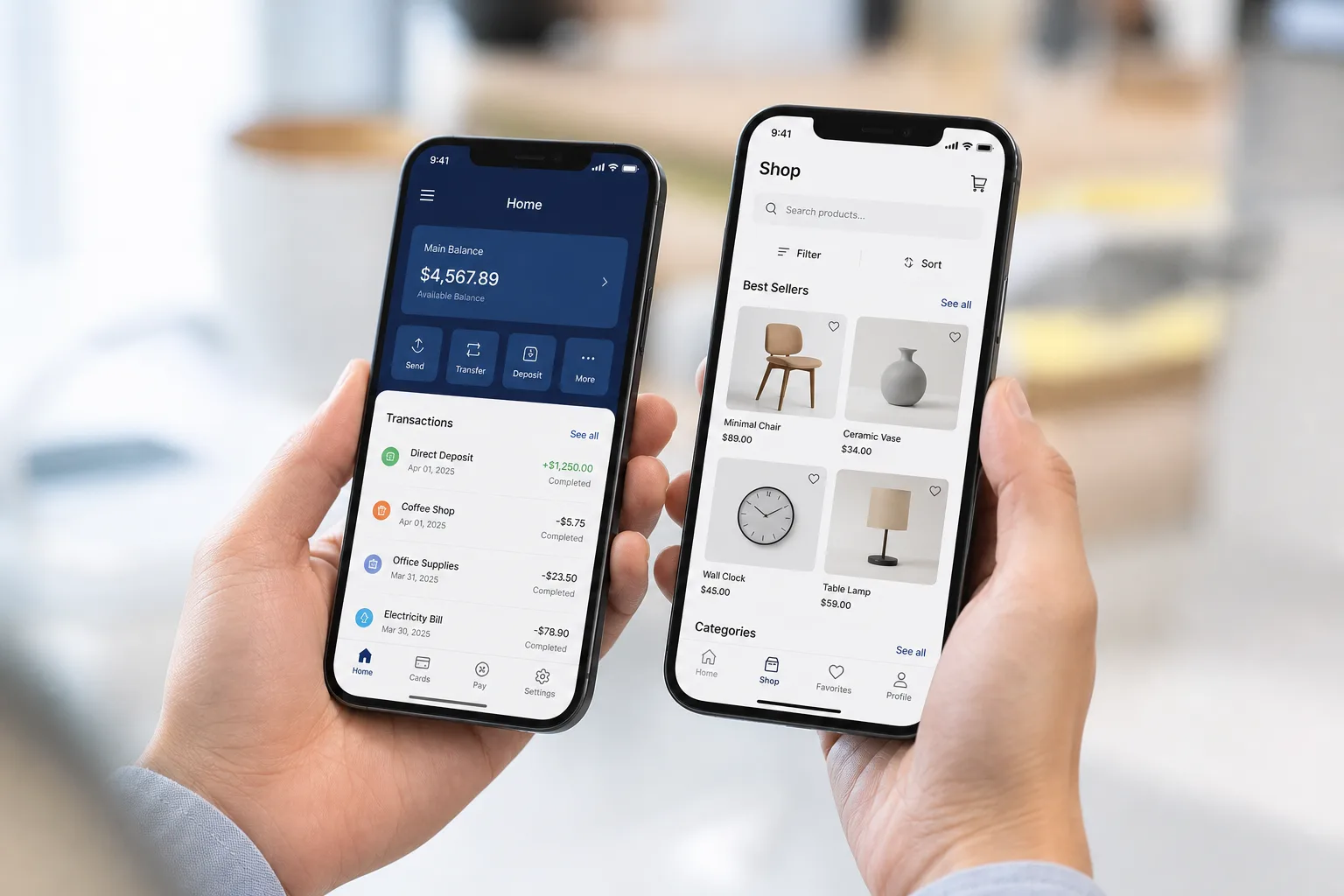
Your customers are already spending hours on their smartphones. The real question is whether your business is ready to meet them there.
Android apps are becoming a powerful way for South African businesses to improve customer experience, increase sales, and build stronger brand connections. Android app development in South Africa allows companies to create solutions that match local customer needs, from mobile payments to online bookings.
In this guide, we explain Android app features, the development process, technology stack, cost factors, benefits, monetization options, and common mistakes businesses should avoid before building their app.
- South Africa's mobile application market reached about USD 2,474.3 million in 2025 and is projected to hit USD 3,220.4 million by 2033.
- Core Android features include push notifications, secure login, offline mode, local payments, analytics, and biometrics.
- Typical Android builds in South Africa range from ZAR 50,000 to ZAR 1,500,000+.
- Kotlin, Jetpack Compose, Firebase, and Room Database are common tools for native Android apps.
- PayFast, Ozow, and SnapScan integrations matter for local trust and conversion.
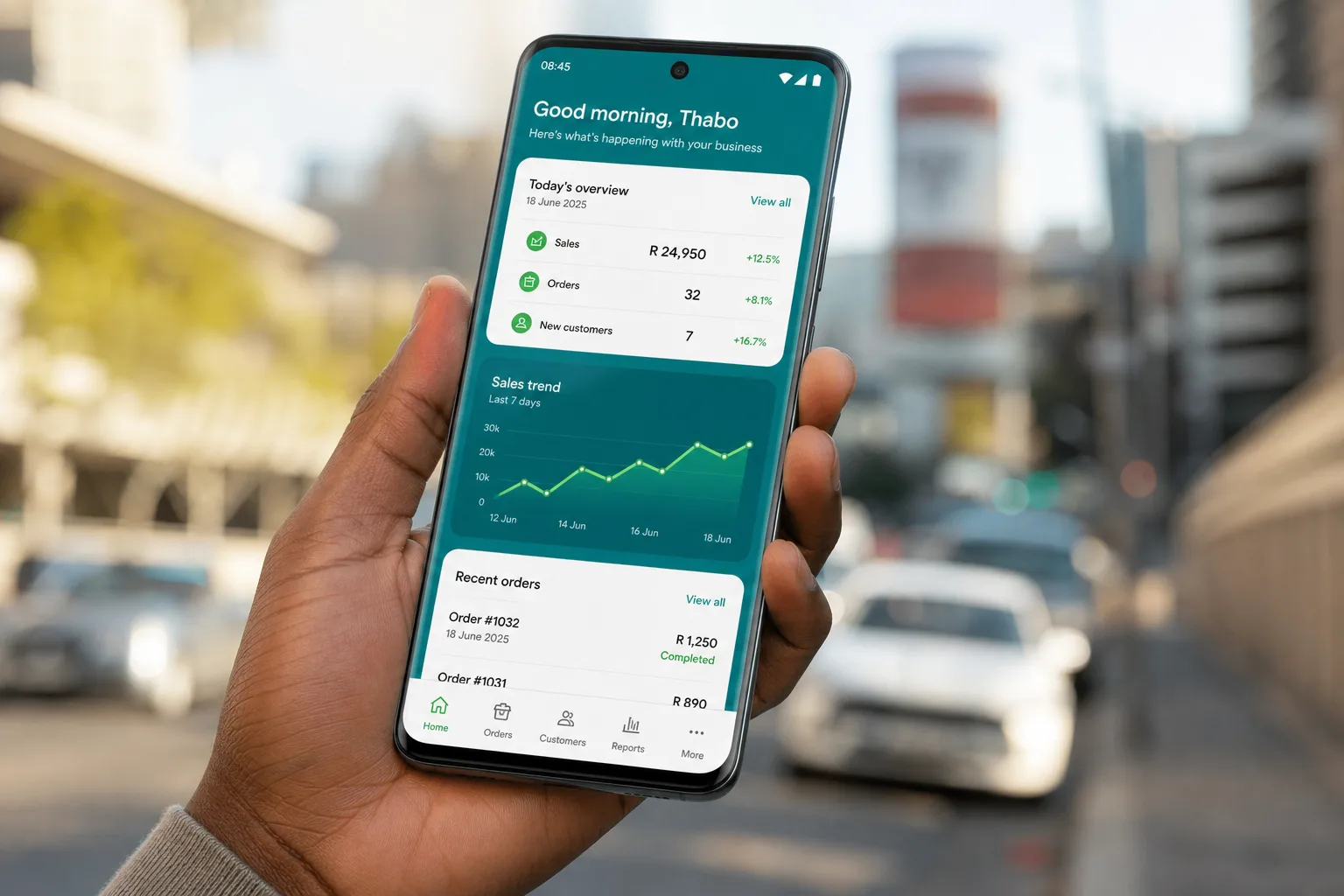
What Is an Android App and Why Do Businesses Need One?
So what exactly is an Android app? It is a program built for phones and tablets that run on the Android operating system. Businesses use it to sell, connect, and stay close to customers.
Most people in South Africa carry an Android phone in their pocket, and that is exactly why this matters right now.
So why does a business actually need one? Let's break it down.
Reach More Customers
Android runs on more phones than any other system in South Africa. Affordable smartphones running Android put a device in almost everyone's hands. When you build for Android, you tap into the whole Android ecosystem, plus the reach of the Google Play Store itself, not a small slice of it.
South Africa's mobile application market pulled in about USD 2,474.3 million in revenue during 2025, and it is expected to climb to USD 3,220.4 million by 2033, growing at a yearly rate of 3.6 percent.
That kind of growth tells you something. People here are not slowing down on mobile. Gaming leads the pack right now, but health and fitness apps are catching up fast. For a broader market view, see our guide on mobile app development in South Africa.
Increase Customer Engagement
Push notifications keep your brand in front of people without them opening the app. A quick reminder, a discount code, a delivery update — small things that pull users back in. Personalization matters too. When an app remembers what a customer likes, they stick around longer. That is engagement, plain and simple.
Improve Brand Visibility
Your app icon sits on someone's home screen every single day. That is free advertising, honestly. Every time they unlock their phone, your business is right there. It builds trust slowly, the same way a shop on a busy street gets noticed just by being present.
Generate More Revenue
Apps open up real money-making paths: ecommerce sales inside the app, subscriptions that renew every month, and in-app purchases for extra features or products. Working with an experienced Android app development company in South Africa can turn a simple idea into a steady income stream.
Automate Business Operations
Booking systems save hours of phone calls and back-and-forth emails. Customer management tools keep records in one place instead of scattered notebooks or spreadsheets. Automation is not flashy, but it quietly saves money every single week.
Collect Customer Insights
Every tap, every scroll, every purchase tells a story. Analytics inside the app show what customers actually want, not what you assume they want. Over time, this data shapes better decisions and smarter marketing.
What Features Make an Android App Successful for South African Businesses?
Good features decide whether people keep your app or delete it within a week. Here's what actually matters.
Push Notifications
Push notifications bring users back without extra effort. They work through Firebase Cloud Messaging and can be personalized based on user behavior. A grocery app might send a reminder when stock runs low on a favorite item. Small nudge, big impact on retention.
Secure Login and Authentication
Firebase Authentication and similar tools keep user accounts safe. Options like biometric login, OTP verification, and social sign-in reduce friction. Nobody wants to type a long password every time. Security and ease of use need to work together here.
Offline Mode Support
Not every part of South Africa has strong signal all the time. Apps that store data locally using SQLite or Room Database let users keep working even without internet. This one feature alone can save an app from bad reviews.
In-App Payment Integration
Local payment gateways matter a lot here. PayFast, Ozow, and SnapScan are common choices for South African businesses. Integrating Standard Bank API or FNB API options also builds trust with local customers who already know these names.
Simple and Clean Navigation
Jetpack Compose and Material Design 3 guidelines help create layouts that feel natural. Users should not need a tutorial to find the checkout button. If people get lost inside the app, they leave. It really is that simple. For design budgeting, see our guide on UI UX design cost in South Africa.
Multi-Device Compatibility
Android phones come in all screen sizes and price ranges. Responsive Android layouts and proper testing across API levels make sure the app looks right whether someone has a budget phone or the latest flagship device.
Analytics and Reporting
Firebase Analytics and Google Cloud Platform tools track user behavior inside the app. Business owners get real numbers on downloads, drop-off points, and popular features. This turns guesswork into actual strategy.
Biometric Authentication
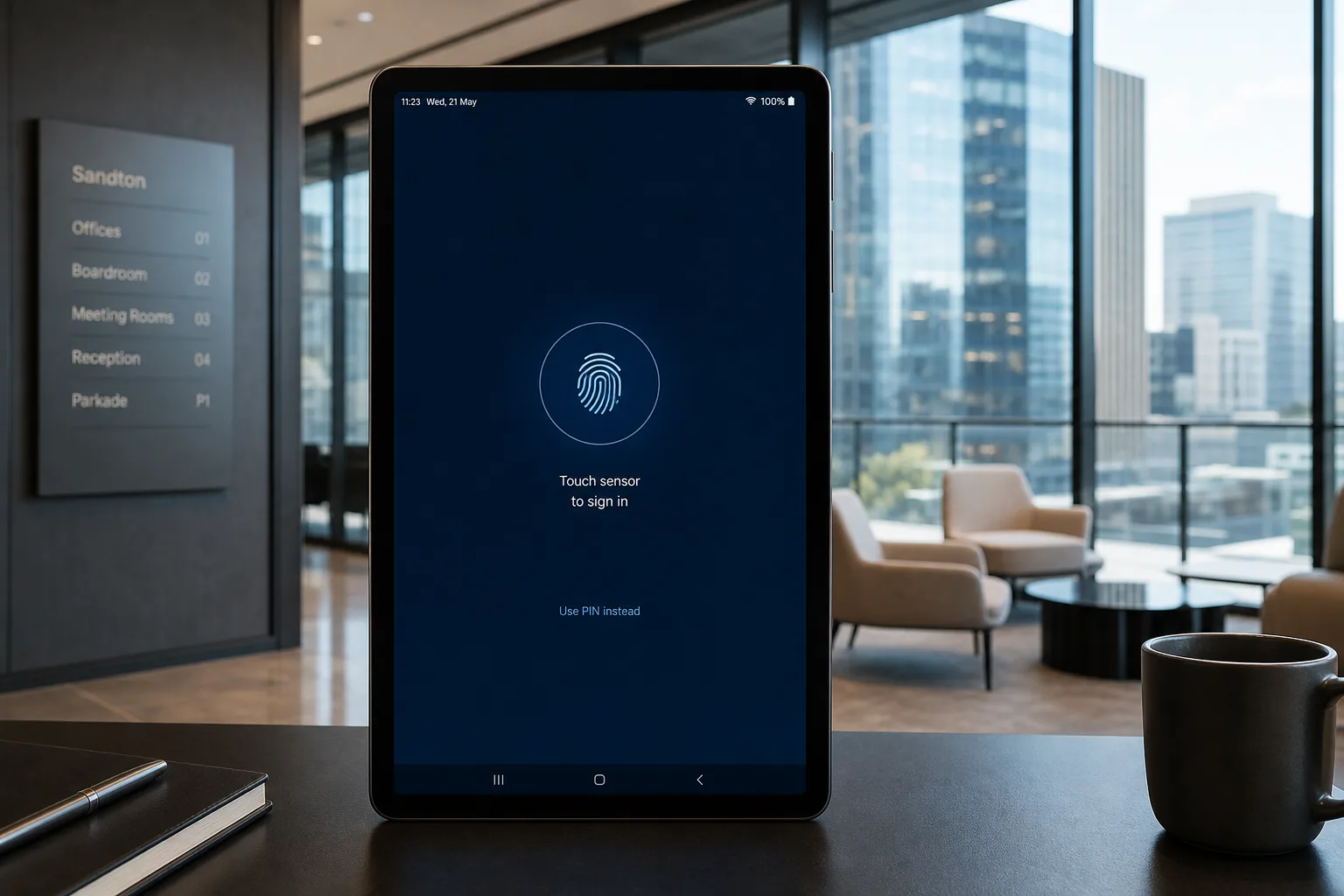
Fingerprint login and face authentication have become normal now, not optional extras. They give users secure access without typing a password every time. For banking or payment-related apps, this feature builds trust fast.
Camera and Device Integration
Android's camera APIs open up strong use cases: QR scanning at checkout, barcode scanning for inventory, GPS for delivery tracking. These features turn a phone into a real business tool, not just a screen.

How Does the Android App Development Process Work in South Africa?
Building an app is not a straight line. It moves through stages, and each one shapes the next. The Android app development process in South Africa usually follows these stages from idea to launch.
Step 1: App Idea Research and Planning
Before a single line of code gets written, research needs to happen.
- Target users — who exactly will use this app
- Market research — what gap does this app fill
- Competitor analysis — what are similar apps doing right or wrong
Skipping this step is where most problems start later.
Step 2: UI/UX Design
This is where the app starts taking shape visually.
- Wireframes — rough sketches of screens and flow
- User journey — mapping how someone moves through the app
- Prototype testing — checking the design with real users before development begins
Step 3: Android App Development
This is the technical core. Here's the tech stack typically used for native Android app development.
| Category | Android Technologies |
|---|---|
| Language | Kotlin, Java |
| UI Framework | Jetpack Compose, XML Layouts |
| Android Tools | Android Studio, Android SDK, Gradle |
| Architecture | MVVM, Clean Architecture, Repository Pattern |
| Local Storage | Room Database, SQLite, DataStore |
| Cloud Services | Firebase, Google Cloud, AWS |
| APIs | REST API, GraphQL |
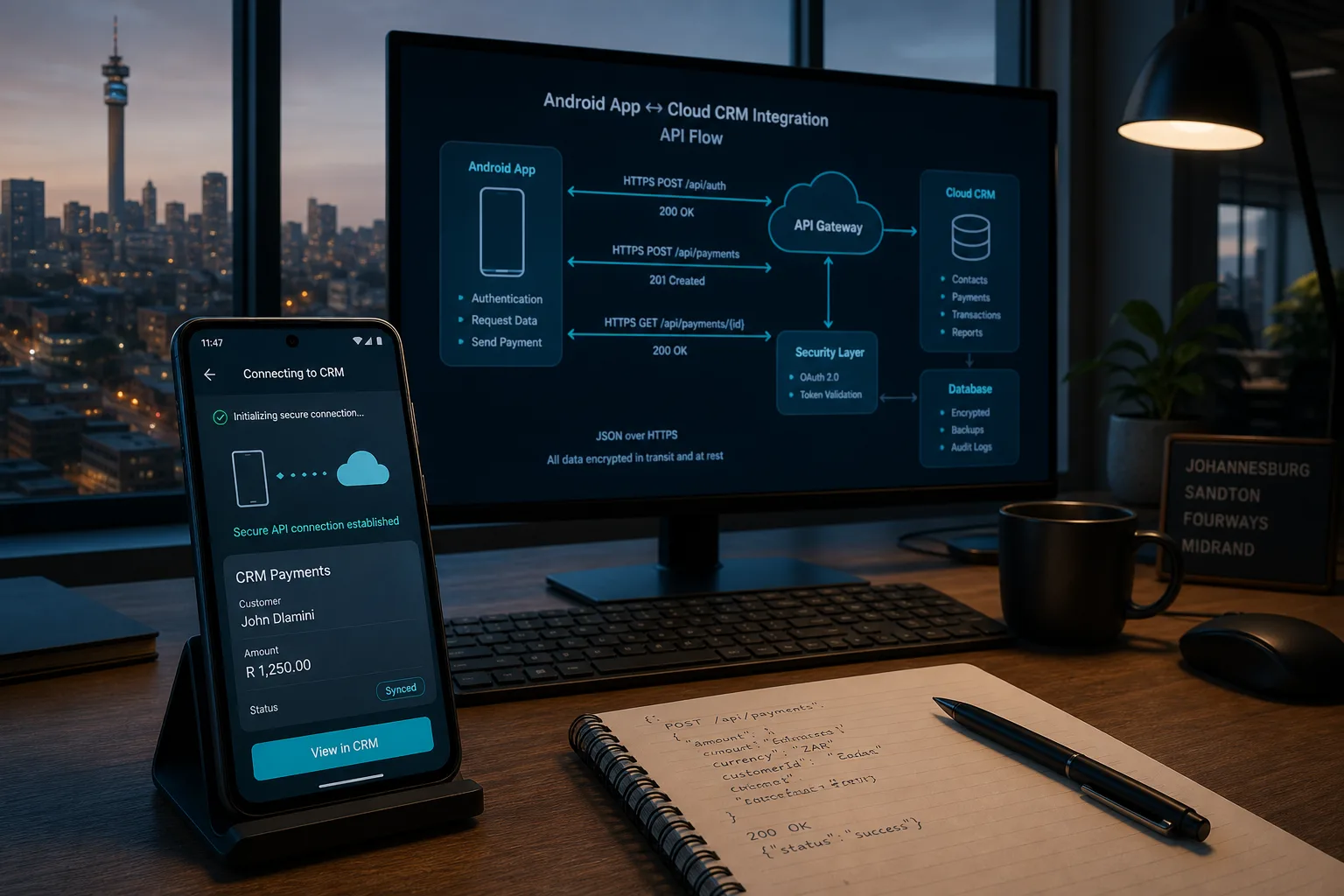
On the frontend side, developers work with Kotlin and Jetpack Compose to build the screens users actually see and tap, following MVVM or Clean Architecture to keep the codebase easy to manage. On the backend, the app connects to REST APIs and cloud services like Firebase or Google Cloud, quietly doing the heavy lifting behind the scenes while local storage options like Room Database keep things running even offline.
Step 4: Testing
Testing catches problems before customers do.
- Functional testing — does every feature work as intended
- Performance testing — does the app stay smooth under pressure
- Security testing — are user details actually protected
For a deeper QA view, read our guide on mobile app testing in South Africa.
Step 5: Google Play Store Deployment
Getting the app live involves a few technical steps.
- App bundle — packaging the app using Android App Bundle format
- Store listing — writing descriptions, adding screenshots, setting up the Play Store page
- Review process — Google checks the app before it goes public
Step 6: Maintenance and Updates
Launch day is not the finish line, not even close.
- Bug fixes — small issues that pop up after real users start using it
- Android version updates — keeping the app compatible with new OS releases
- Feature improvements — adding what users actually ask for over time
Our experience building Android apps: From our experience working with businesses, successful Android apps are not defined only by features. Performance, user experience, security, and post-launch improvements usually decide long-term success. See also our mobile app development timeline in South Africa.
Should You Choose Native Android Development or Cross Platform App Development?
Choosing between native Android development and a cross-platform framework shapes everything from cost to performance. Here's how they compare.
| Factor | Native Android (Kotlin) | Cross Platform (Flutter/React Native) |
|---|---|---|
| Performance | Faster, built specifically for Android | Slightly slower, shared codebase |
| Cost | Higher for multi-platform, efficient for Android only | Lower if targeting both Android and iOS |
| User Experience | Matches Android design guidelines closely | Good, but sometimes feels less native |
| Access to Device Features | Full access to Android APIs | Limited by the framework's plugins |
| Maintenance | Separate codebase per platform | One codebase for multiple platforms |
| Best For | Businesses focused only on Android users | Businesses needing both platforms quickly |
If you need both platforms, compare Flutter app development cost in South Africa and React Native app development cost in South Africa before locking in a stack.
How Much Does Android App Development Cost in South Africa?
Cost depends on complexity, features, and how polished the app needs to be. Many businesses first compare overall mobile app development cost in South Africa before choosing Android-only or cross-platform.
| App Type | Cost Range (ZAR) | Typical Timeline |
|---|---|---|
| MVP (Minimum Viable Product) | ZAR 50,000 to ZAR 150,000 | 4 to 8 weeks |
| Basic App | ZAR 150,000 to ZAR 400,000 | 2 to 4 months |
| Mid Range App | ZAR 400,000 to ZAR 800,000 | 4 to 6 months |
| Enterprise App | ZAR 800,000 to ZAR 1,500,000+ | 6 to 12 months |
From our experience working with businesses, most budget issues happen because companies underestimate backend development, API integrations, and long-term maintenance. Getting a clear estimate upfront saves a lot of stress later.
How Can Businesses Monetize an Android App in South Africa?
There's more than one way to turn an app into income.
- Advertising — showing banner or video ads through networks like Google AdMob. Gaming and content apps commonly use this route.
- In-App Purchases — selling extra features, items, or content inside the app
- Subscription Model — charging a monthly or yearly fee for continued access. Fitness, education, and SaaS apps often run on recurring plans.
- Freemium Model — offering a free version with paid upgrades available
- Paid App Downloads — charging a one-time fee before users can install it
- Marketplace Commission Model — taking a small cut from every transaction. Delivery apps, booking apps, and ecommerce marketplaces rely heavily on this one.
What Mistakes Should Businesses Avoid During Android App Development?
Some mistakes happen over and over. Here's what to watch for.
Building Without Market Research
Mistake: Jumping straight into development without checking if people actually want this app or need it.
Solution: Spend a few weeks validating the idea with real potential users first.
Adding Too Many Features Initially
Mistake: Trying to launch with every possible feature crammed into version one of the app.
Solution: Start with core features only, then expand based on real user feedback later.
Ignoring UX Design
Mistake: Focusing purely on functionality while ignoring how the app actually feels to use.
Solution: Invest time in wireframes and prototype testing before development even starts.
Poor Security Planning
Mistake: Treating security as an afterthought instead of building it in from day one.
Solution: Use proper authentication, encryption, and regular security testing throughout the process.
Not Planning Maintenance
Mistake: Assuming the app is finished once it is live on the Google Play Store.
Solution: Budget time and money for updates, bug fixes, and OS compatibility ongoing. Review our guide on mobile app maintenance support cost in South Africa.
Lessons we have learned: One common pattern we have seen is businesses spending heavily on development but ignoring user testing. Early validation usually saves significant time and cost down the line.
What Are the Latest Android App Development Trends in South Africa?
Android app development in South Africa keeps shifting with new habits and new technology. A few trends stand out right now.
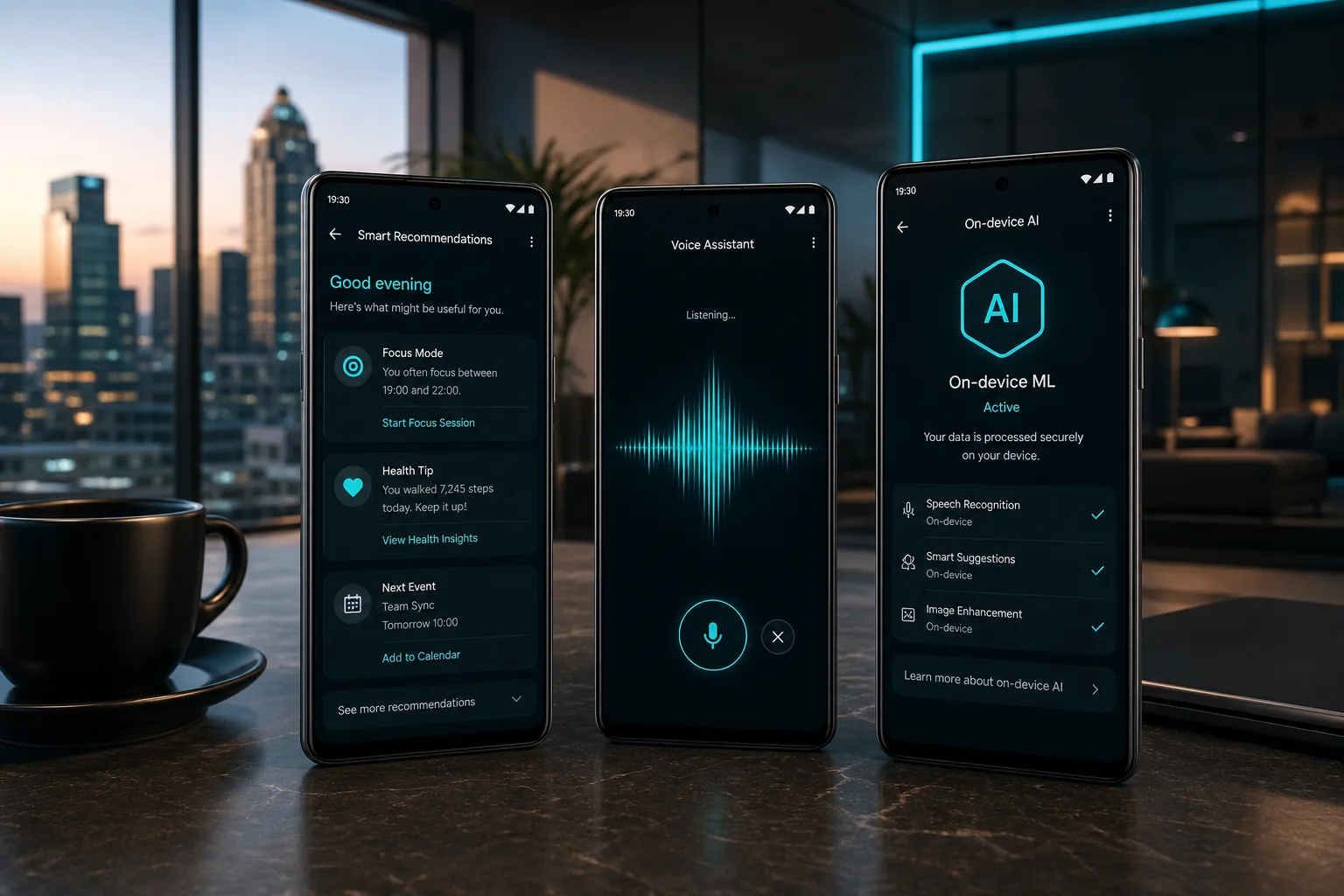
- AI integration is showing up everywhere, from smart chatbots to personalized recommendations inside apps. It is no longer just a big-brand feature — smaller businesses are using it too.
- Mobile payments keep growing. PayFast, Ozow, and SnapScan have made it normal for people to pay directly inside an app, without ever touching a card machine.
- Super apps are gaining ground as well. Instead of ten different apps, businesses are bundling services, bookings, payments, and support into one place.
- Cloud-based apps are becoming the default too. Firebase and Google Cloud let businesses scale without worrying about servers crashing during busy periods.
- Personalization ties it all together. Apps that remember what a user likes, and adjust content around that, simply perform better than apps that treat everyone the same.
Conclusion
Android apps are no longer just a digital trend. They have become a practical tool for businesses that want better customer engagement, smoother operations, and new revenue opportunities.
Android app development in South Africa can cost from ZAR 50,000 to ZAR 1,500,000+ depending on features, design, and complexity.
The right planning, technology choices, and development approach can help you build an app that delivers long-term value. By understanding the process, costs, and best practices, businesses can make smarter decisions and turn their app ideas into successful digital products.
Frequently Asked Questions
How much does Android app development cost in South Africa?
Android app development in South Africa costs between ZAR 50,000 and ZAR 1,500,000+. MVP apps usually start around ZAR 50,000, while enterprise apps with advanced features cost ZAR 800,000+.
How long does it take to build an Android app?
Simple apps take around 4 to 8 weeks. Complex enterprise apps can take 6 to 12 months to complete fully.
Is Kotlin better than Java for Android development?
Kotlin is generally preferred now. It is faster to write, safer, and officially recommended by Google for native Android apps.
What features should a business Android app include?
Push notifications, secure login, payment integration, offline support, and analytics are considered essential features for most business apps.
How much does it cost to maintain an Android app?
Maintenance usually costs 15 to 20% of the original development cost per year, covering updates and bug fixes.
Can Android apps work on tablets and different devices?
Yes, responsive layouts and proper testing across screen sizes make Android apps work smoothly on phones and tablets alike.
How do businesses monetize Android apps?
Common methods include advertising, in-app purchases, subscriptions, freemium models, and one-time paid downloads through the Play Store.
What is required to publish an Android app on Google Play Store?
You need a Google Play Console account, an Android App Bundle file, store listing details, and approval through Google's review process.