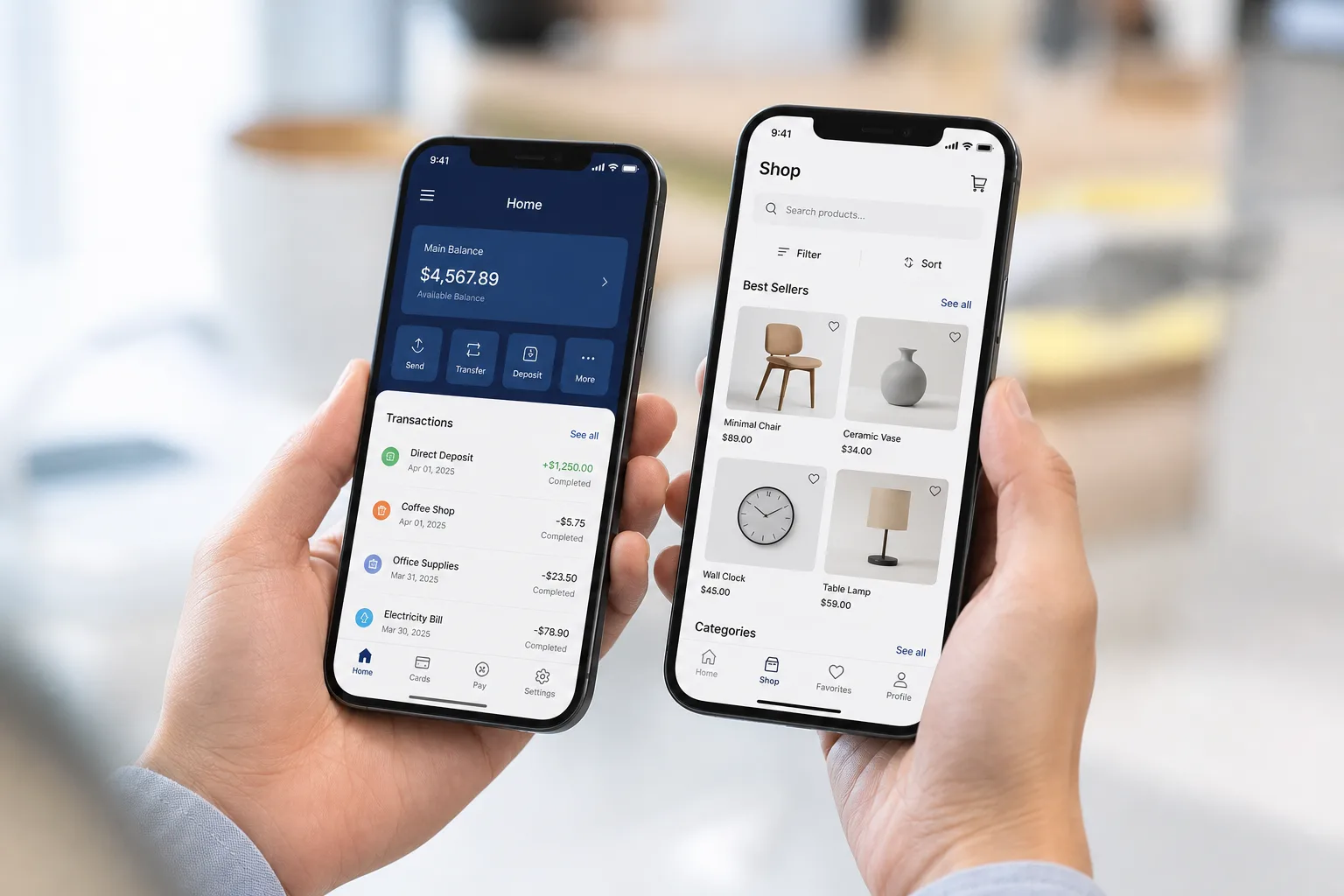
Most small shop owners in South Africa know this pain. The till does not match the stock. The VAT numbers look wrong at month end. Staff argue about who sold what.
That kind of mess costs money. It costs trust too. Customers notice when a queue moves slowly or a receipt looks wrong.
Point of Sale (POS) Software Development in South Africa is the fix many local businesses are turning to now. It brings sales, stock, and payments into one clean system.
In this blog, we will walk through what POS software actually does, the features it needs, how it gets built, what it costs, and the mistakes to avoid along the way.
What Is POS Software, and How Does It Work
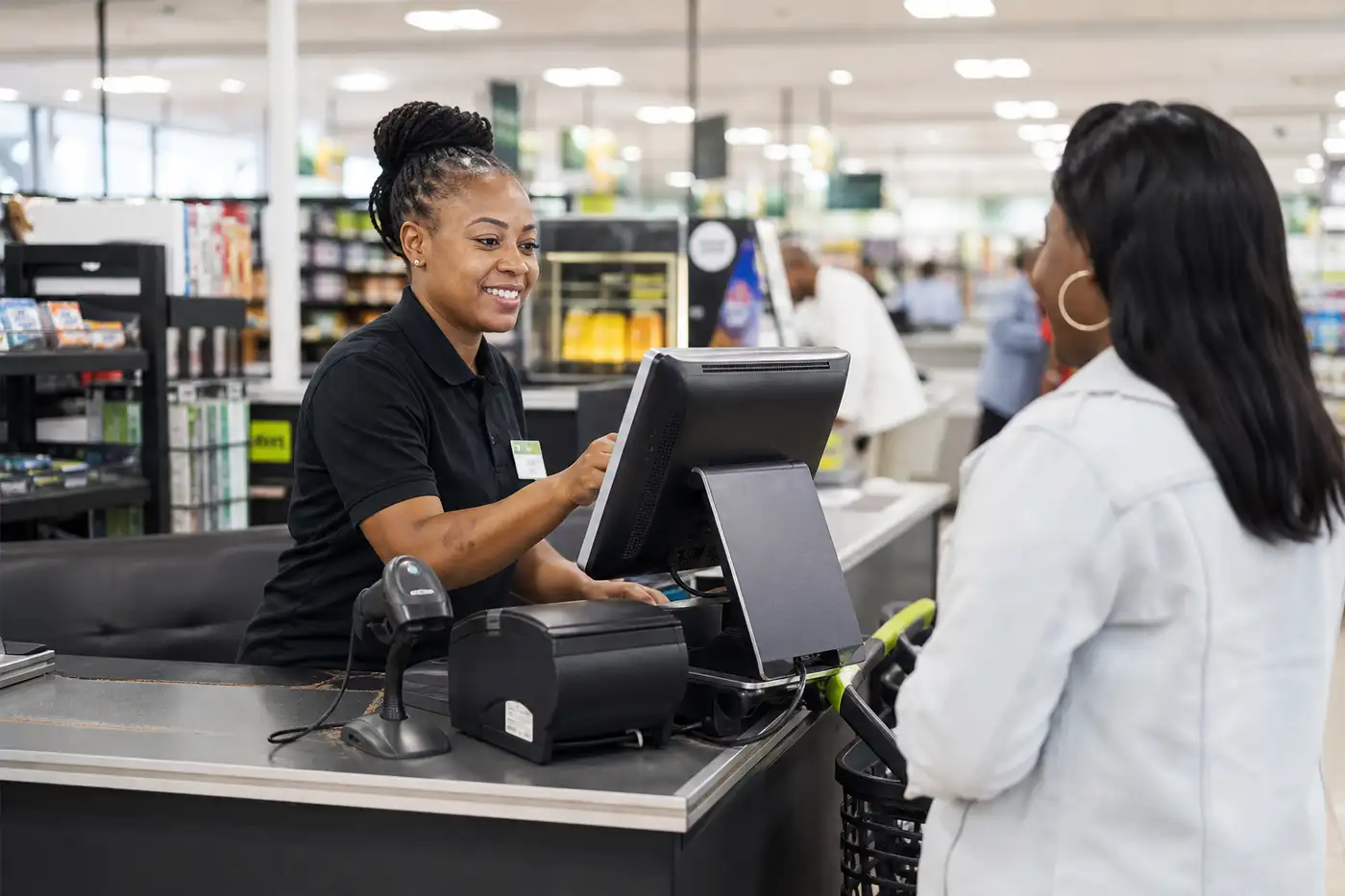
Think of POS software as the digital heart of a shop. It is not just a till.
It watches every sale. It tracks every product. It talks to the bank for payments.
In plain words, a customer picks something to buy. The cashier scans it. The system checks the price and works out VAT.
Then payment happens. The sale gets recorded. Stock drops by one. A receipt prints out. And somewhere in the background, a report quietly updates itself.
That is where a good POS development company can make the difference, connecting checkout, payments, inventory, and reporting without making the whole process feel complicated.
Here is that flow again, step by step:
- The customer selects a product
- The cashier scans the product
- POS calculates price and VAT
- Payment is processed
- Transaction is recorded
- Inventory updates automatically
- Receipt is generated
- Reporting data gets stored
A few main parts make this happen together. Here is a simple breakdown.
| Component | What It Does |
|---|---|
| POS terminal | The physical screen and scanner at checkout |
| POS application | The software that runs the whole process |
| Payment device | Card machine or tap to pay reader |
| Product database | Holds every item, price, and barcode |
| Inventory system | Tracks stock in real time |
| Reporting dashboard | Shows sales and performance numbers |
| Backend | The engine running behind the scenes |
| Cloud infrastructure | Stores everything safely, accessible anywhere |
Simple enough on paper. But getting all these pieces to work smoothly together, that is where real development skill matters.
Why Invest in Custom POS System Development?
I have sat in meetings where a shop owner pulled out three different notebooks just to check stock. Three. That is not a system; that is chaos held together with hope.
And this is happening while the POS market around South Africa is moving in the opposite direction. South Africa is among MEA’s key POS markets, driven by rising electronic payments and digital transformation. The MEA POS market is projected to grow at a 16.8% CAGR from 2023 to 2030.
Custom POS software development solves this by giving one business one connected view of everything happening.
- Faster checkout is the obvious win. Fewer clicks means shorter queues, and shorter queues mean happier customers who come back.
- Better inventory visibility follows close behind. When stock updates the moment something sells, nobody is guessing what is left on the shelf.
- Centralised business data changes how owners make decisions. Instead of checking five different papers, everything sits in one dashboard.
The shift toward cashless payments makes this even more relevant. South Africa’s POS terminal market is projected to grow at a 9.9% CAGR from 2022 to 2028, driven by rising non-cash payments, evolving payment infrastructure and growing demand for cashless transactions. For a growing business, that means the POS needs to handle payments as part of the wider sales workflow, not as something bolted on later.
For businesses with more than one branch, multi-location management becomes the real game changer. The head office can see every store from one screen.
Automated reporting removes hours of manual work every week. Reduced manual errors follow naturally once humans stop typing numbers by hand.
And because a good POS system is built with an API first mindset, it opens the door to business scalability later, without starting from zero.
This is the real reason Point of Sale (POS) software development in South Africa matters so much right now. It is not a nice extra. It is operational survival for growing retailers.
Essential Features of a Modern POS System
A strong POS system is really a collection of smaller systems working as one. Let us break each piece down properly.
Sales and Checkout Management
This is the part your cashier touches all day, every day. Product scanning needs to be instant, with no lag, no second-guessing.
Cart management should feel effortless. Adding a discount or promotion should not need five clicks.
Returns and refunds happen more than owners expect. The system must handle them without confusion or duplicate records.
Receipt generation, tax calculation, and transaction history all need to sit quietly in the background, doing their job without fuss.
Inventory Management
Real-time stock updates are non-negotiable today. The moment something sells, the count must drop.
Low stock alerts save businesses from that awkward moment when a customer wants something that is actually already gone.
Stock transfers between branches, product variants like size or color, barcode management, purchase orders, and supplier management round out a solid inventory module.
Payment Processing
Card payments, contactless payments, and digital payments all need smooth payment terminal integration.
Payment status should update instantly. Refund processing should never leave a customer wondering if their money is actually coming back.
Customer Management
Customer profiles build a picture over time. Purchase history helps staff understand buying patterns.
Loyalty programmes, discounts, and customer segmentation turn a random shopper into a repeat visitor.
Employee and Role Management
Staff accounts with role-based access stop the wrong person from touching things they should not.
Shift management and sales tracking give owners a fair, honest view of who is actually performing.
Reporting and Analytics
Sales reports, product performance, inventory reports, employee performance, revenue reports, and branch performance turn raw numbers into real decisions.
Multi-Store Management
A central dashboard with branch-level permissions keeps control tight even across many locations.
Inventory synchronisation and consolidated reporting mean head office never operates blind.
Offline POS Capability
Here is something a lot of generic articles skip completely. What happens when the internet just drops mid-sale?
A properly built POS should never freeze. It needs a clear offline transaction strategy, meaning it stores the sale locally first.
Once the connection comes back, it should sync quietly, without creating duplicate transactions or losing data. This one feature alone separates a hobby project from a serious system.
How to Build a POS System in South Africa
Building this kind of system is not a weekend job. It follows a real development lifecycle, step by step.
Step 1. Define Business Requirements
Every project starts with questions. What kind of business is this? How many stores, users, products?
What payment methods matter here? What hardware already exists? What needs to integrate, and what reports actually get read by someone?
Step 2. Design the POS User Experience
Cashiers are not looking at screens for fun; they are under pressure, often with a queue watching them.
So the design has to be fast. Large touch targets, minimal clicks, and built in error prevention matter more here than they do almost anywhere else in software design.
Getting this part wrong is expensive to fix later, which is why understanding UI/UX design cost early on saves real money down the line.
Step 3. Design the POS Architecture
A clean POS architecture flows from the frontend to the API, then to the backend, database, payment services and other integrations. That structure matters because a POS cannot afford to become unstable every time you add another store, payment method or reporting feature.
The technology stack should support fast transactions, reliable data synchronization, secure payments and future integrations. There is no single stack that works for every business, but these technologies are commonly suitable for different parts of a modern POS platform.
| POS Software Layer | Recommended Technologies |
|---|---|
| Frontend | React, Angular, Vue.js |
| Mobile POS | Flutter, React Native |
| Backend | Node.js, Python, Java |
| Database | PostgreSQL, MySQL, MongoDB |
| API Layer | REST API, GraphQL |
| Cloud & Hosting | AWS, Microsoft Azure, Google Cloud |
| Real-Time Data | WebSockets, Redis |
| Payment Integration | Payment APIs, Terminal APIs |
| Security | OAuth, JWT, TLS, Encryption |
| DevOps | Docker, CI/CD, Git |
| Monitoring | Cloud Monitoring, Logging Tools |
Step 4. Develop the Core POS Modules
Good developers do not try to build everything at once. They build in modules, sales first, then inventory, then reporting, testing as they go.
Step 5. Integrate Payments and Hardware
Barcode scanners, receipt printers, cash drawers, POS terminals, and payment devices all need proper driver support and testing on real hardware, not just in theory.
Step 6. Integrate Third-Party Systems
Accounting software, CRM tools, e-commerce platforms, inventory systems, payment providers, loyalty platforms, and tax reporting tools often need to talk to the POS.
If a retailer also runs an online store, this is exactly where e-commerce app development becomes part of the bigger picture, syncing stock and orders across both worlds.
Step 7. Test the POS System
Functional testing, payment testing, security testing, performance testing, device compatibility checks, offline mode testing, synchronization testing, and user acceptance testing all matter here.
Skipping any of these is how bugs end up live, in front of real customers, at the worst possible moment. This is exactly why proper software testing services exist, to catch what a rushed internal check would miss.
Step 8. Deploy and Monitor
Cloud deployment, monitoring, backups, logs, updates, and security patches keep the system alive and healthy long after launch day.
How Much Does It Cost to Develop POS Software in South Africa?
POS development costs in South Africa range from ZAR 50,000 to ZAR 1,500,000+, depending on features, integrations, business size, hardware needs, and development timeline.
| POS Software Type | Estimated Cost | Development Timeline |
|---|---|---|
| Basic POS | ZAR 50,000 to ZAR 150,000 | 4 to 8 weeks |
| Standard POS | ZAR 150,000 to ZAR 400,000 | 8 to 14 weeks |
| Advanced POS | ZAR 400,000 to ZAR 800,000 | 3 to 5 months |
| Enterprise POS | ZAR 800,000 to ZAR 1,500,000+ | 6 to 12+ months |
For a detailed breakdown, see our guide to POS development cost in South Africa.
South African POS System Requirements You Need to Know
This is where a POS project stops being generic and starts being genuinely local. Most articles online skip this part entirely, which is a mistake.
VAT and Tax Configuration
According to SARS, VAT is charged at a standard rate of fifteen percent on most goods and services sold by registered vendors in South Africa.
A POS system built for this market needs configurable tax rules that keep every transaction accurate and audit-ready.
Payment System Integration
Payment behaviour here is shifting fast. Reports on the wider Middle East and Africa POS market are showing strong growth, with digital wallets like Apple Pay and Google Pay becoming more common at checkout across the region.
POPIA and Customer Data
Any system holding customer profiles, purchase history, or personal details needs to think carefully about privacy from day one.
POS software should be built to support proper privacy and security controls when processing personal information, in line with POPIA expectations.
Payment Security and PCI DSS
This part deserves real attention, not a quick mention. Systems that store, process, or transmit card data need to follow strict security requirements, including encryption and access control.
This is exactly why POS development is never just an app building exercise. It is a security responsibility too.
Common Point of Sale Development Mistakes to Avoid
I have watched projects go sideways for reasons that had nothing to do with bad code.
One mistake I see over and over, treating the checkout screen like a normal business dashboard. It is not.
A cashier might tap that screen hundreds of times in a single shift. Every extra click becomes a real operational cost, minute by minute.
Other mistakes worth naming honestly:
- Building too many features into the first release
- Ignoring offline transactions until it is too late
- Treating payment integration as an afterthought instead of a core piece
- Designing screens for managers instead of the cashiers who actually use them
- Storing payment information that was never actually needed
- Ignoring hardware compatibility until testing day
- Underestimating how tricky synchronization problems really are
- Skipping real world testing on actual store floors
- Building without a clear API architecture from the start
- Forgetting that today's single store might be five stores next year
None of these are exotic mistakes. They are common, quiet, and expensive.
Future Trends in POS Technology and Retail Systems
Some shifts are worth watching, without turning this into hype.
AI-powered sales forecasting and predictive inventory are becoming more practical, not just buzzwords in a pitch deck.
Cloud POS and mobile POS keep growing because they simply fit how modern retail actually moves.
Omnichannel commerce, real-time analytics, automated loyalty programs, self checkout, digital receipts, and API-first architecture are shaping what a POS system needs to support next.
Final Thoughts
A modern POS is not just a till anymore. It is closer to a small operating system for transactions, stock, payments, and customer relationships.
The right build depends entirely on your business, its size, its industry, how many branches it runs, and where it wants to grow.
Point of Sale (POS) Software Development in South Africa done properly gives a business room to grow without rebuilding everything from scratch two years later.
If your current setup feels like patchwork held together by habit, it might be time for a proper conversation with a custom software development company that actually understands this space.
Ready to scope a retail or multi-store build? Explore our POS development company in South Africa services.
FAQs
How much does it cost to develop POS software in South Africa?
Pricing varies a lot depending on features and complexity. Costs generally range from around ZAR 50,000 for a simple single store setup, up to ZAR 1,500,000 or more for a full enterprise system with multiple branches, integrations, and custom hardware support. For a detailed breakdown, it helps to look at POS development cost separately.
How long does it take to build POS software?
A basic system can take a few months. A larger, multi store enterprise build with several integrations can take closer to eight months or longer, depending on scope.
What features should a POS system have?
At minimum, sales management, inventory tracking, payment processing, customer management, reporting, and offline capability. Larger businesses also need multi store management and role based staff access.
Can a custom POS system work offline?
Yes, if it is built correctly. It should store transactions locally during an outage and sync them automatically once the connection returns, without creating duplicates.
Can POS software integrate with payment terminals?
Yes. Most modern POS systems integrate directly with card machines and contactless payment devices, keeping transaction data synced automatically.
Is POS software required to support VAT?
Yes, for any registered vendor selling taxable goods or services. The system needs to calculate VAT correctly and keep accurate records for reporting.
Does a POS system need to comply with POPIA?
Any system storing customer personal information should be designed with proper privacy and security controls that support POPIA requirements.
Should I build a custom POS or use ready made software?
It depends on your business. Ready made software can work well for very small, simple operations. But once you have multiple branches, unique workflows, or specific integration needs, custom development usually pays off over time.